Are Your Employees Sharing Sensitive Company Data with AI Tools? Here’s How to Protect Your Business from LLM Risks
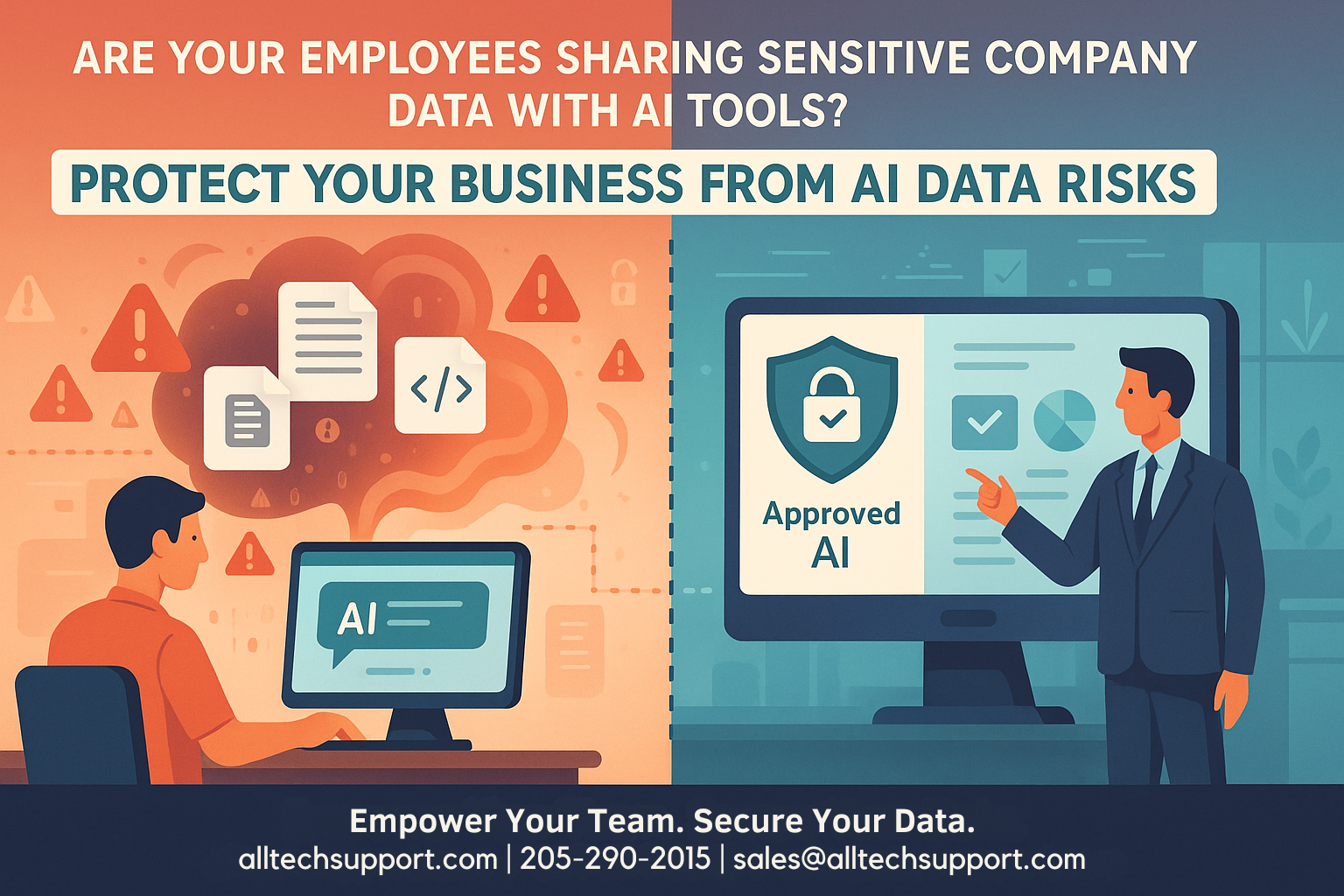
It’s no secret that generative AI tools—like ChatGPT and other Large Language Models (LLMs)—are making their way into everyday business workflows. But have you considered the risks if employees are unknowingly sharing sensitive company data with these platforms? Let’s break down what’s at stake and how your business can stay protected.
Why AI Tools Pose a Unique Data Security Risk
AI tools are designed to help boost productivity, spark creativity, and speed up repetitive tasks. Yet many free or publicly available LLMs retain the information users submit, often using it to ‘train’ future models. This means that confidential emails, financial spreadsheets, proprietary code, or even regulated client information could inadvertently become part of that tool’s learning process—and potentially accessible to strangers down the road.
Once company data is introduced to an unsanctioned AI platform, regaining control or ensuring its privacy becomes virtually impossible. The consequences can include compliance violations (HIPAA, GDPR), intellectual property theft, or significant reputational and financial harm.
Real-World Scenarios
- A team member copies sections of a client contract into an AI chatbot for help with rephrasing, accidentally transmitting legally protected information.
- Marketing staff use public LLMs to summarize internal sales reports, unaware that customer names, addresses, or financial figures might now be stored outside your organization.
- An engineer seeks coding advice, pasting sensitive code snippets into an AI tool—putting intellectual property and cybersecurity at risk.
How Can You Protect Your Business from LLM Data Risks?
1. Educate and Empower Your Team
Start with awareness. Train employees about what constitutes sensitive business data and the real risks of sharing it with public AI tools. Make it clear which platforms are approved and which behaviors to avoid.
2. Establish Clear AI Usage Policies
Define clear, easy-to-follow guidelines about how (and when) team members can use AI—spelling out what data is never allowed to leave your internal environment or enter unsanctioned tools.
3. Provide Secure, Sanctioned AI Alternatives
Rather than an outright ban (which can drive risky behavior underground), enable access to enterprise-grade, secure AI services tailored to business use. AllTech’s managed services can help you roll out and manage these solutions safely.
4. Implement Technical Safeguards
Utilize proactive, managed solutions like the AllTech Endpoint Pro Suite and AllTech User Protection Suite to monitor, restrict, and audit AI tool usage, ensuring employees only use platforms that meet your compliance and security requirements.
5. Monitor, Audit, and Continuously Improve
Regularly track how employees are interacting with AI tools, audit for risky usage or data leaks, and update policies as technology evolves.
Why a Proactive, Managed Approach Matters
Mitigating LLM risk isn’t just about blocking tools—it’s about creating a culture of awareness, implementing the right technology, and having strategy baked into your IT partnership. Organizations invested in ongoing improvement and executive buy-in will always outpace those playing catch-up after an incident.
At AllTech IT Solutions, our managed services approach helps you protect your data, empower your employees, and stay ahead of new technology trends. We believe in building long-term, transparent partnerships, helping your business grow with confidence in a rapidly changing landscape.
Ready to assess your AI data security posture—or have questions about secure generative AI use in your business? Contact us at alltechsupport.com, 205-290-0215, or sales@alltechsupport.com. We’re happy to help!